
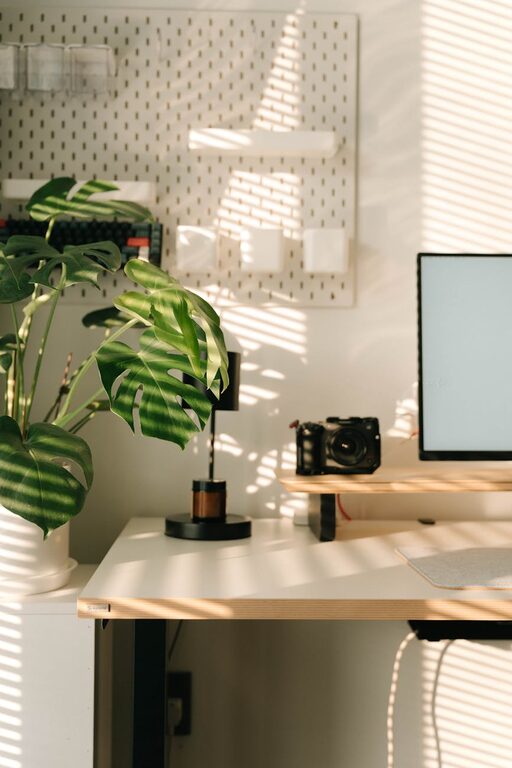
Creating a workspace that supports both focus and comfort is essential for maintaining productivity and well-being throughout your workday. Whether you work from home or in an office, a thoughtfully arranged desk can make a significant difference in how you feel and perform. In this post, we’ll explore practical desk setup tips that promote concentration and comfort, helping you stay energized and efficient.
Why a Good Desk Setup Matters
A well-designed desk setup minimizes distractions and physical strain, enabling you to work longer and more effectively. Discomfort or poor organization can lead to fatigue, loss of focus, and even health issues like back pain or eye strain. Investing time into arranging your workspace thoughtfully can improve your mood and productivity significantly.
Choose the Right Desk and Chair
Desk Height and Surface
Your desk should be at a height where your forearms rest comfortably parallel to the floor when typing. Standard desk height ranges between 28 to 30 inches, but this varies depending on your stature. If possible, consider an adjustable desk to switch between sitting and standing, which can reduce fatigue.
The surface of your desk should be large enough to accommodate your essential items without feeling cluttered. A clean, spacious surface invites concentration and clear thinking.
Chair Support
Ergonomics starts with your chair. Opt for an adjustable chair that supports the natural curve of your spine. Look for features such as lumbar support, adjustable seat height, and armrests. Sitting comfortably helps prevent back pain and increases endurance during long work hours.
Position Your Monitor for Eye Comfort
Proper monitor placement reduces eye strain and encourages good posture.
– Distance: Position your monitor about an arm’s length away (roughly 20–30 inches).
– Height: The top of the screen should be at or slightly below eye level to avoid tilting your head.
– Angle: Tilt the screen slightly backward, around 10–20 degrees.
If you use multiple monitors, place the primary one directly in front of you and secondary displays to the side to reduce neck twisting.
Lighting That Supports Focus
Lighting plays a critical role in how well you concentrate and avoid eye strain.
– Natural Light: Place your desk near a window if possible. Natural light improves mood and alertness.
– Task Lighting: Use an adjustable desk lamp to provide focused illumination without glare.
– Avoid Glare: Position your monitor perpendicular to windows or bright lights to reduce reflections.
Balance lighting to keep your workspace bright but not harsh.
Organize for Efficiency
Clutter can be distracting and stressful. Keeping your desk tidy supports a clear mind.
– Essential Items Only: Keep frequently used tools like pens, notepads, and headphones within reach.
– Use Organizers: Desk drawers, trays, and file holders help keep papers and supplies in order.
– Cable Management: Use clips or ties to minimize tangled cords, creating a clean and safe workspace.
Spend a few minutes at the end of each day tidying your desk to maintain organization.
Incorporate Comfort Accessories
Enhance comfort through simple additions:
– Keyboard and Mouse: Use ergonomic keyboards and mice designed to reduce wrist strain.
– Wrist Rests: Soft wrist rests can provide support during typing.
– Footrest: A footrest can improve circulation if your feet don’t comfortably reach the floor.
– Plants: Small plants improve air quality and create a calming environment.
These small touches make spending time at your desk more pleasant.
Establish a Work Routine with Your Desk Setup
Your environment influences your habits.
– Dedicated Workspace: If possible, designate one desk solely for work to mentally separate “work” and “relax” zones.
– Break Space: Leave some room for a water bottle or a timer to remind yourself to take breaks.
– Personal Touch: Add a few personal items or inspiring quotes to boost motivation without cluttering the space.
A workspace aligned with your routine can boost your focus and well-being.
Maintain Good Posture and Move Often
Even the best setup requires mindful activity.
– Sit with your back straight, shoulders relaxed, and feet flat on the floor or footrest.
– Adjust your chair or desk height as needed throughout the day.
– Stand or walk around every 30 to 60 minutes to reduce stiffness and recharge your energy.
Using standing desks or reminders to move can support long-term health.
Final Thoughts
A desk setup that prioritizes focus and comfort is an investment in your productivity and health. By selecting ergonomic furniture, optimizing monitor placement, controlling lighting, and maintaining organization, you create a workspace that helps you do your best work with less strain. Remember to listen to your body and adjust your setup as needed over time. With these tips, you can design a desk that feels great and keeps distractions at bay.
—
Happy workspace organizing!